

Introduction
Posting an ad is easy, but selling faster requires the right strategy.
With Gudugulu, you can sell your items quickly if you follow some simple tips.
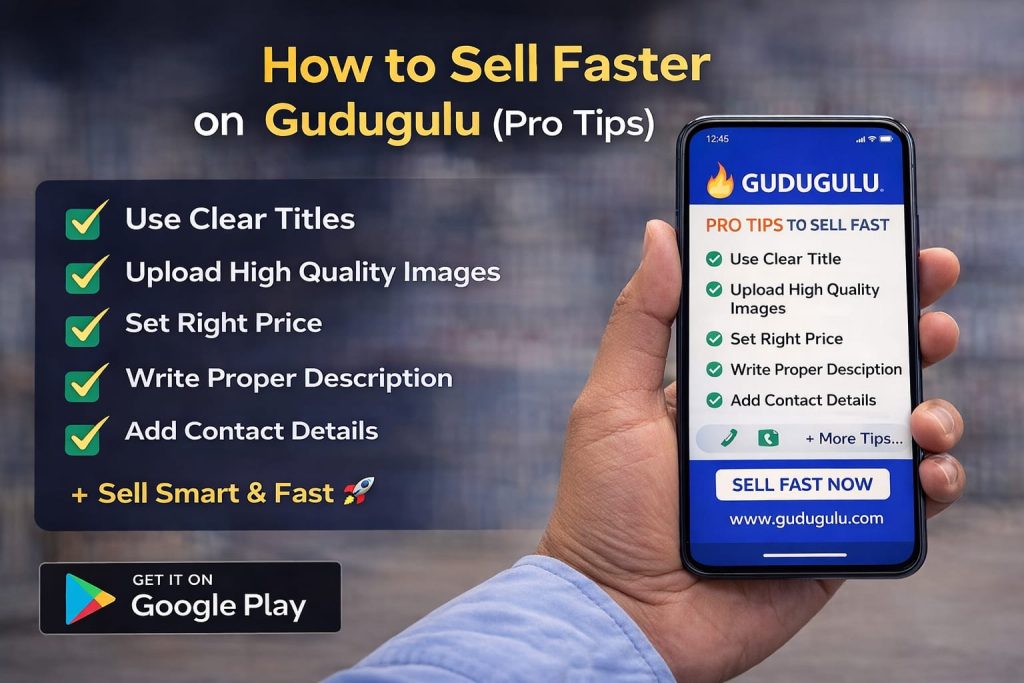
- Use a Clear & Attractive Title
Your title is the first thing buyers see.
❌ Bad: Old phone
✅ Good: Samsung Galaxy M31 – Good Condition – Best Price
👉 A clear title gets more clicks.
- Upload High Quality Images
Images are very important.
- Add multiple images (up to 10)
- Use clear photos
- Show different angles
👉 Good images = More trust = Faster sale
- Set the Right Price
- Check similar ads
- Keep a competitive price
- Don’t overprice
👉 Reasonable price attracts more buyers.
- Write a Proper Description
Include:
- Condition
- Usage
- Features
- Reason for selling
👉 More details = More confidence
- Choose Correct Category
Always select the correct category:
- Cars
- Mobiles
- Property
- Jobs
👉 Helps buyers find your ad easily.
- Add Contact Details Clearly
Gudugulu gives:
- 📞 Direct Call
- 💬 WhatsApp Chat
👉 Make sure your number is correct.
- Use Gudugulu App for Faster Response
- Get instant notifications
- Reply quickly to buyers
- Manage ads easily
👉 Faster reply = Higher chances to sell
- Stay Active
- Check messages regularly
- Update your ad if needed
👉 Active sellers sell faster.
Conclusion
Selling on Gudugulu is easy and free.
With the right approach, you can sell your product quickly.
👉 Start now: www.gudugulu.com
👉 Also available on Play Store
Sell smart. Sell fast. 🚀
Leave a Reply